Agents And Skills
Agents and skills define who does work and what that role is expected to know. They are registry objects, so changes should be treated like product configuration rather than one-off job state.
Agent
An agent is an AI role. Examples include analyst, planner, reviewer, validator, or incident responder. These are authored roles; they do not provide implicit code-writing, shell, Git, or test-runner abilities.
Use an agent record to describe:
- the role's purpose;
- instructions and operating constraints;
- linked skills;
- model or behavior preferences;
- expected inputs and outputs;
- change history.
Skill
A skill is a reusable ability that an agent can apply in a workflow. Examples include classifying requests, analyzing datasets, reviewing evidence, generating reports, and handling incidents. External actions require separately installed and authorized tools or extensions.
Use a skill record to describe:
- what the skill does;
- input fields the workflow or agent must provide;
- output fields the skill returns;
- which agents use the skill;
- validation and history.
Tools
Tools are executable capabilities. Agents may reason about what should happen, but tools perform concrete operations such as querying a scoped dataset, generating a report, or invoking an installed provider action. Built-in public KB tools and repository code tools are unavailable.
Think of the relationship this way:
Workflow step
  -> chooses an agent or connector
Agent
  -> follows instructions and uses skills
Skill
  -> describes the reusable ability and I/O contract
Tool
  -> executes a concrete function when the workflow allows it
The same skill can be useful with different tools. The same tool can be used by different skills. Keeping them separate makes permission and behavior easier to review.
Create or edit an agent
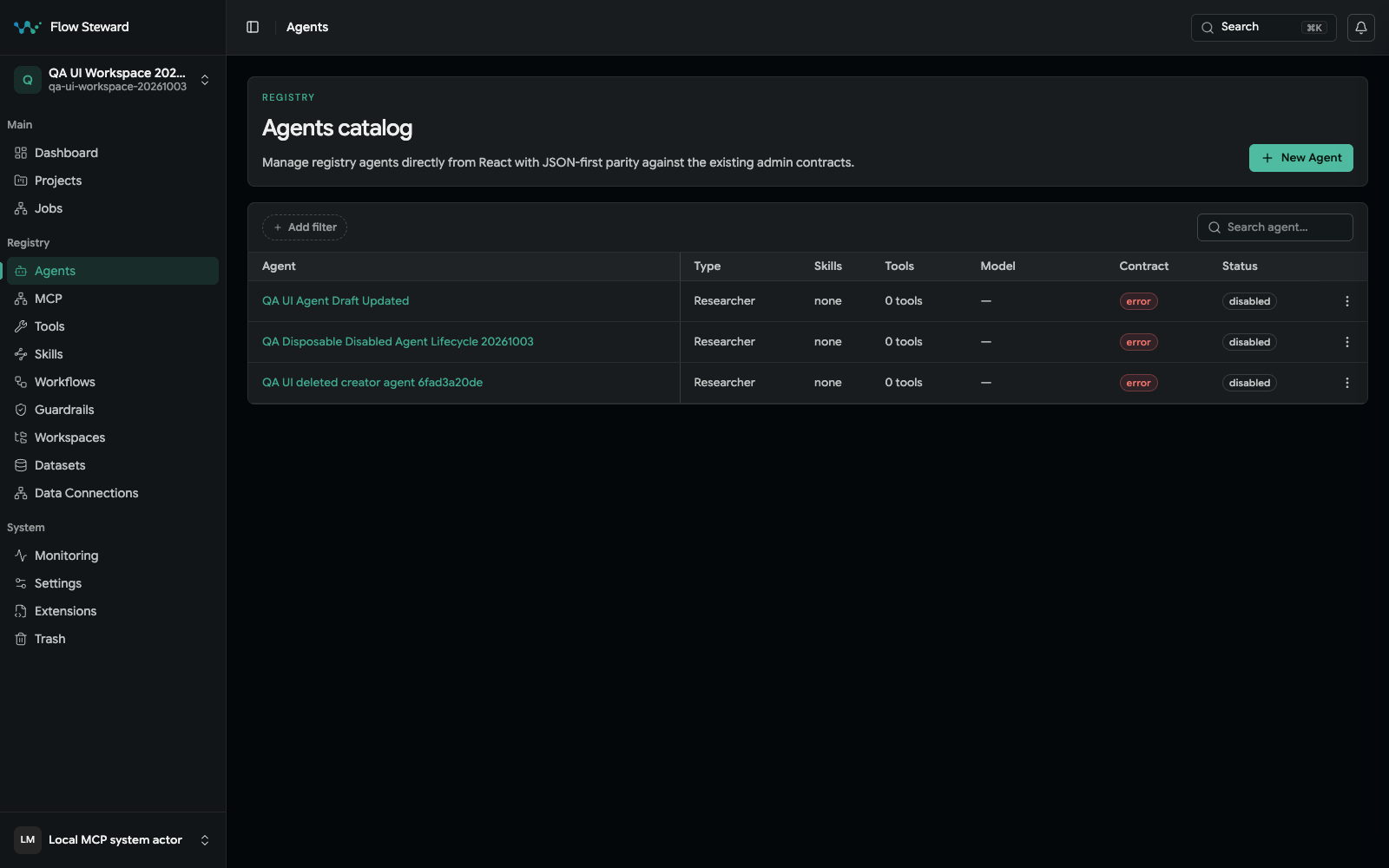
The Agents catalog in a synthetic workspace.
- Open
Registry. - Open
Agents. - Choose
Agentto create a new record, or open an existing agent. - Set the ID, display name, role description, and instructions.
- Define expected inputs and outputs when the detail page exposes those fields.
- Attach skills that the agent may use.
- Save changes.
- Run a low-risk workflow to confirm the agent produces the expected messages and artifacts.
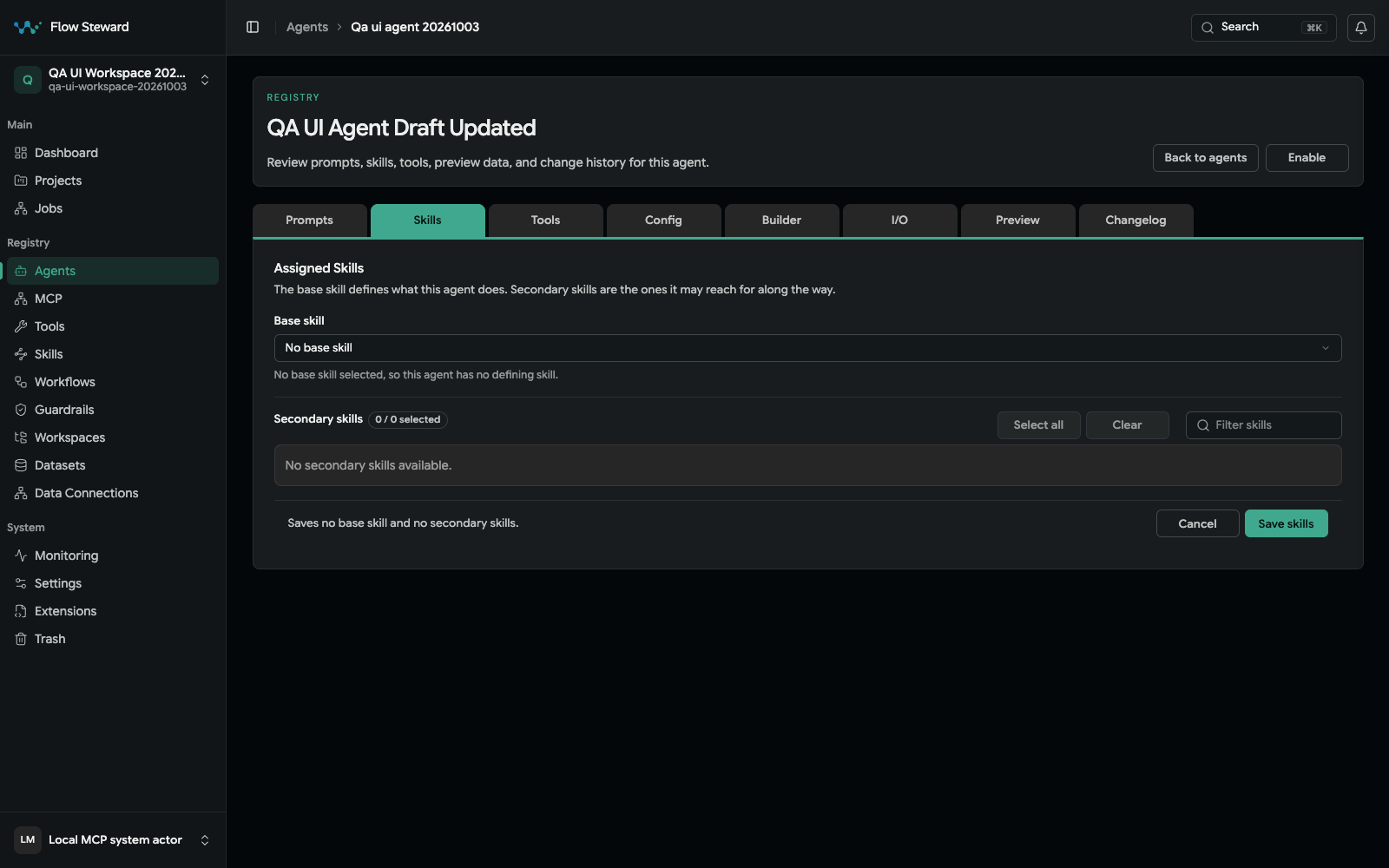
This synthetic agent has no available skill assignment. The screenshot shows the exact empty-state controls; Save was not used.
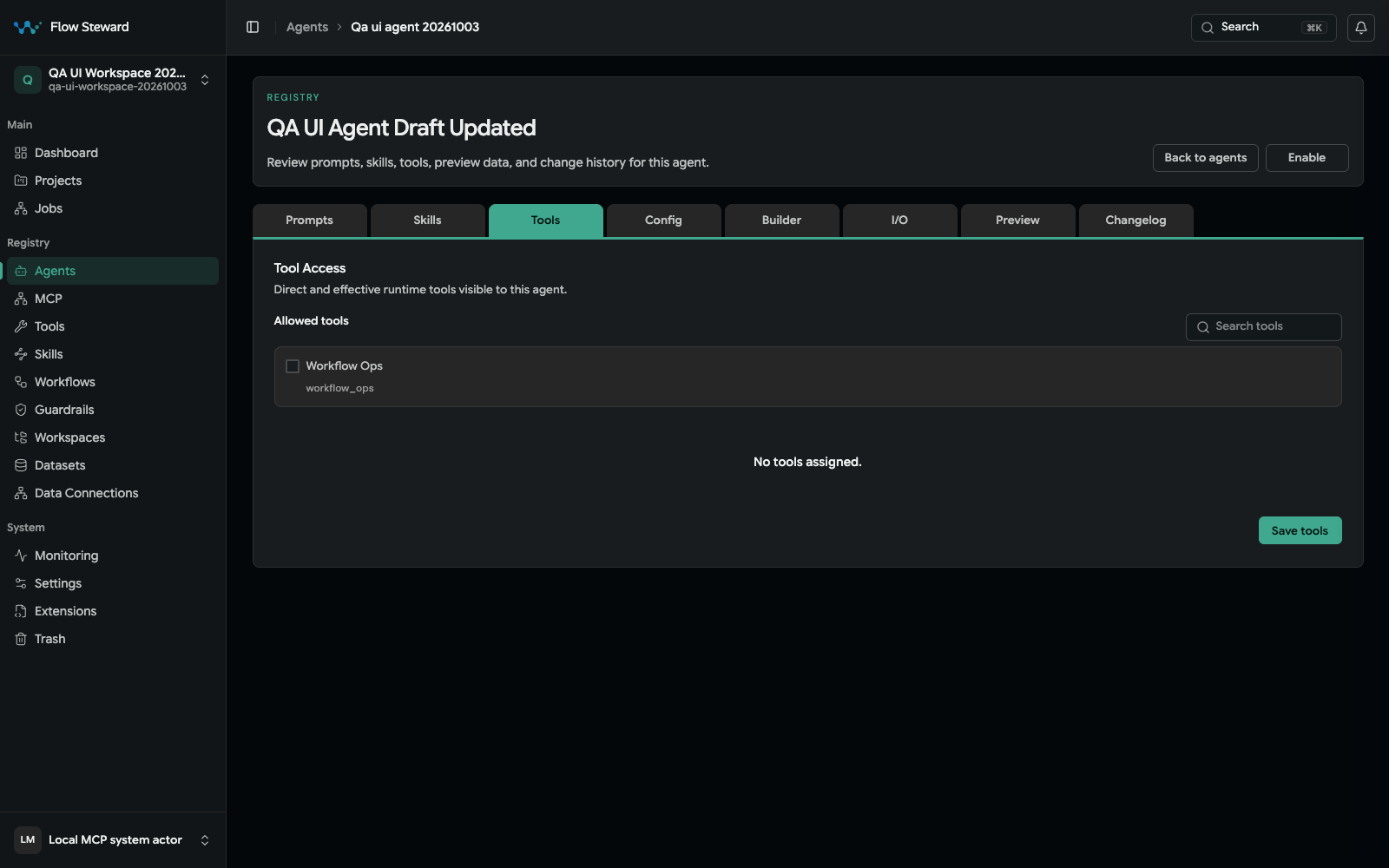
The Tools tab shows one available tool and no assignment. Save was not used.
Create or edit a skill
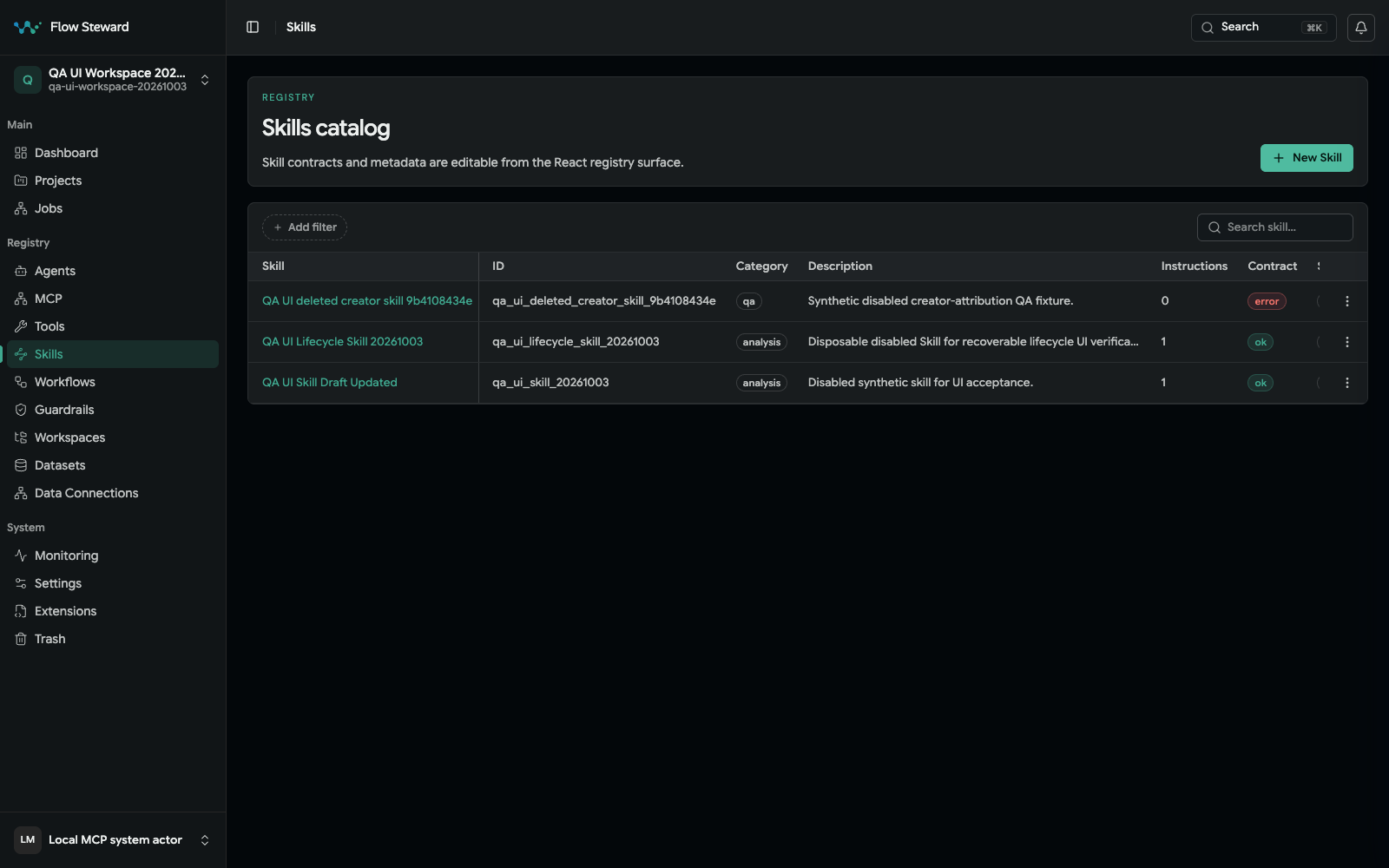
The Skills catalog in the same isolated fixture.
- Open
Registry. - Open
Skills. - Choose
Skillto create a new record, or open an existing skill. - Describe the skill in product terms.
- Open the
I/Otab. - Add required inputs with clear field names and descriptions.
- Add expected outputs.
- Save inputs and outputs.
- Check the
Agentstab to confirm who can use the skill.
Input and output principles
Good inputs answer "what does the agent need before this work can start?"
Examples:
- task summary;
- project context;
- acceptance criteria;
- scoped source reference;
- dataset result;
- previous step output;
- approval constraints.
Good outputs answer "what should later steps or operators be able to inspect?"
Examples:
- action plan;
- analysis summary;
- validation result;
- review finding list;
- approval packet;
- generated document;
- follow-up recommendation.
Avoid vague fields such as data or result when a clearer name is possible.
The more explicit the contract, the easier it is to build workflows that compose
multiple agents and tools.
Review history
Use registry history when a workflow starts behaving differently after a configuration change. Agent and skill history should answer:
- what changed;
- who changed it;
- when it changed;
- whether the previous version should be restored.
Operational guidance
Keep agents narrow enough that job logs are understandable. Keep skills explicit enough that workflow authors know which inputs and outputs are available.